Estimation Suite | 2025
How I designed a scalable damage estimation app suite from 0 to 1
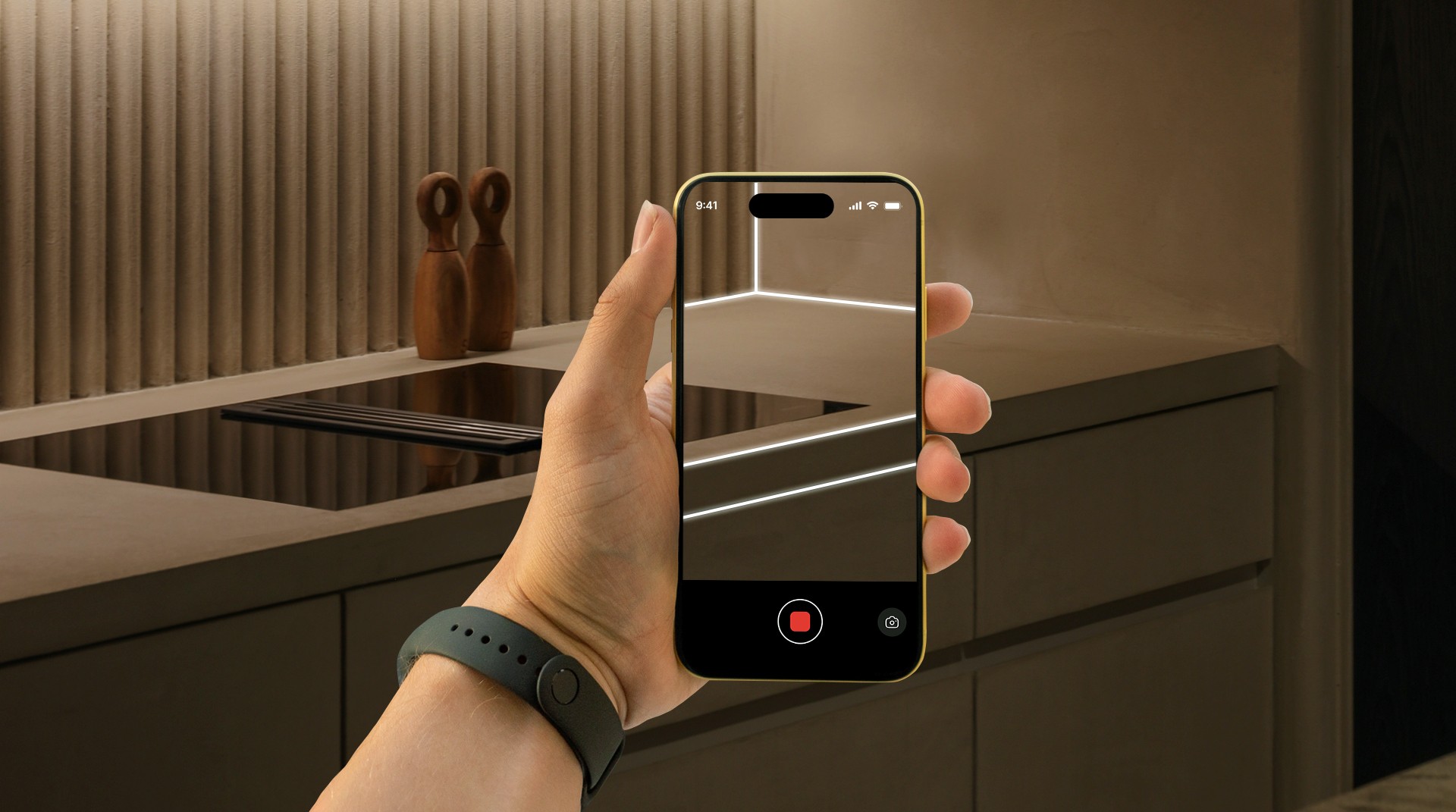
I led the design of a damage estimation suite which has two applications.
An iOS app that uses LiDAR technology on iPhones to create 3D renders of building interiors, generate floor plan, and capture+annotate damage images while at it.
A web app to manage jobs (projects) efficiently, and generate damage reports for insurance claims - using the data captured on the iOS app.
Product
Web App | Mobile App
Skills
Product Design
Stakeholder Management
Interactive prototyping
Testing
My Role
Design Lead
Team
Designer, PM, BA, SDE
Modernising the way damage estimation works
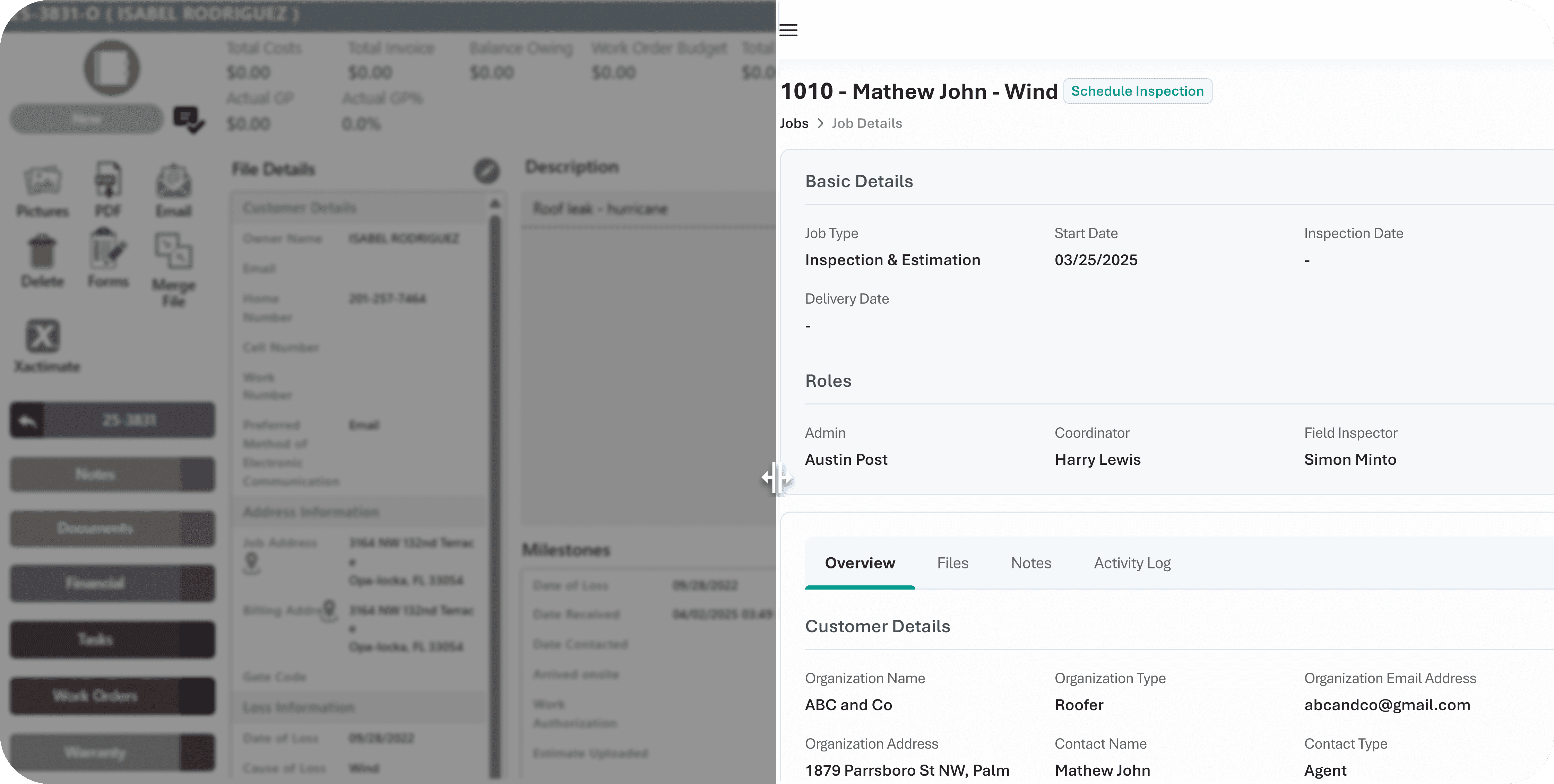
What is a damage report and who creates it?
Damage report is a comprehensive report that include details of damages occurred to a property due to natural disasters or wear and tear.
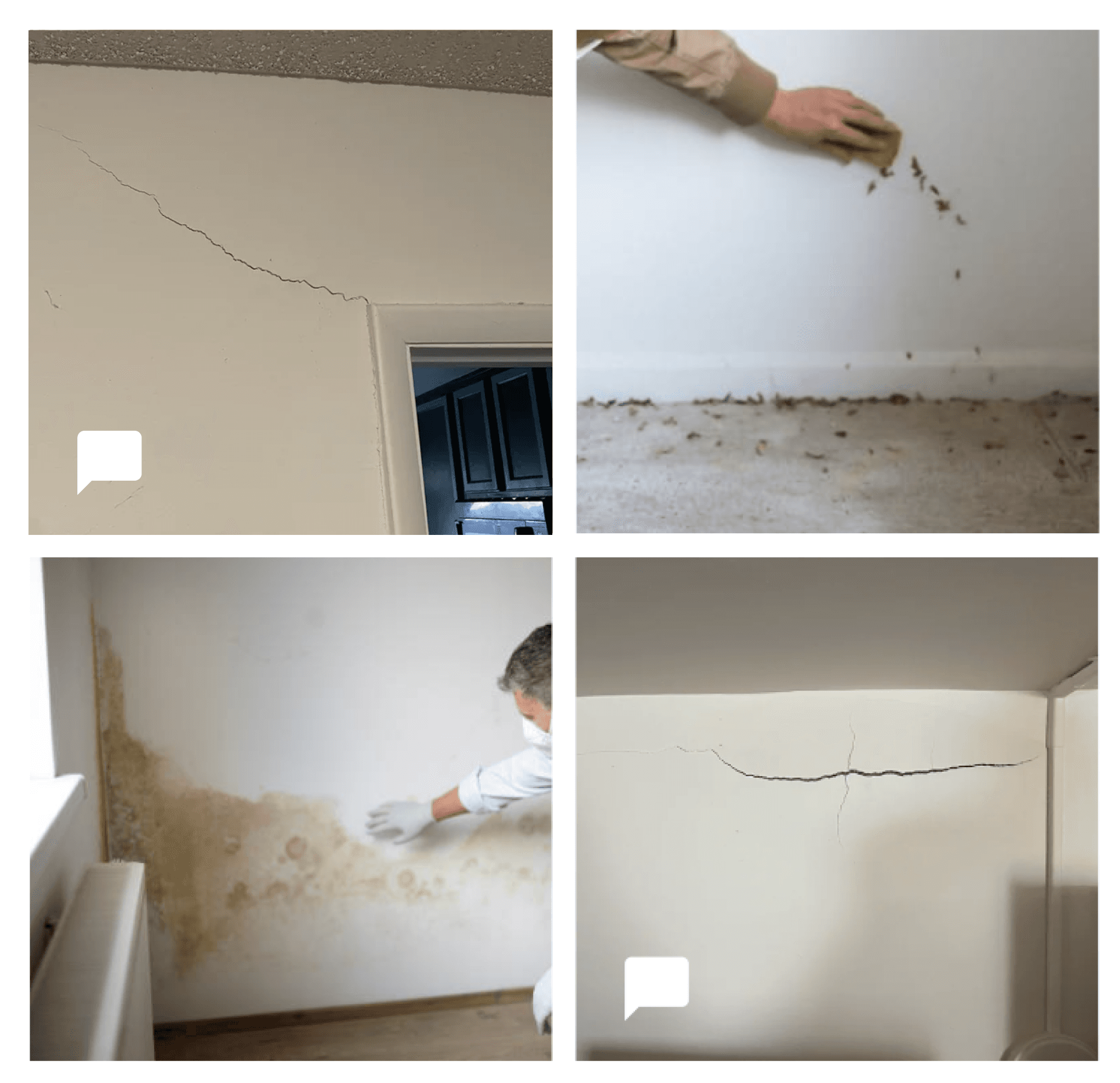
The report will have annotated images of the damages, 3D render of the property and floor plans with notes.
Field inspectors visit the property and capture these details, while estimators, working from office, review and create this report.
Impact
The new system that I designed and the team built increased their business efficiency and there by scale
Daily inspections grow from what was approx 2 per day to 5+ per day by eliminating redundant actions
Inspection time dropped from close to 4 hrs to just 1+ hrs per property through tailored scanning solutions
Estimation hours dropped by over 50% using automation and real-time sync
Faster learning curve with the new suite. And cost savings by cutting down on multiple tool subscriptions.
Problem
The team was struggling to scale up their business due to a combination of factors.
High level pain points
Redundant Process
The team does a lot of redundant work because of a disjointed workflow. For example, the field inspector creates a 3D scan of the property. After that, the inspector go around the entire property again to take pictures of the damages. After all that, annotation will be done separately later. And when these files are shared, the inspector had to brief the estimator a context for these damages.
Disconnected tools
3D scans of the property is taken using one tool, which is not tailored for their use case. Communications are over another tool, which cannot be tracked on project/job basis. A different cumbersome tool for project management. Manual file sharing using plug and play data transfer .
Manual entry
Most of the new jobs are received as email or in excel sheets shared over mail. Co-ordinator has to sit and vet through these mails and sheets, and then capture the details and enter it manually in their project management tool to create jobs and then repeat these tasks in different tools.
Cumbersome tools
The tools used for inspection and project management required huge learning curve for the team. Moreover, all these standalone tools required separate subscriptions.
Research
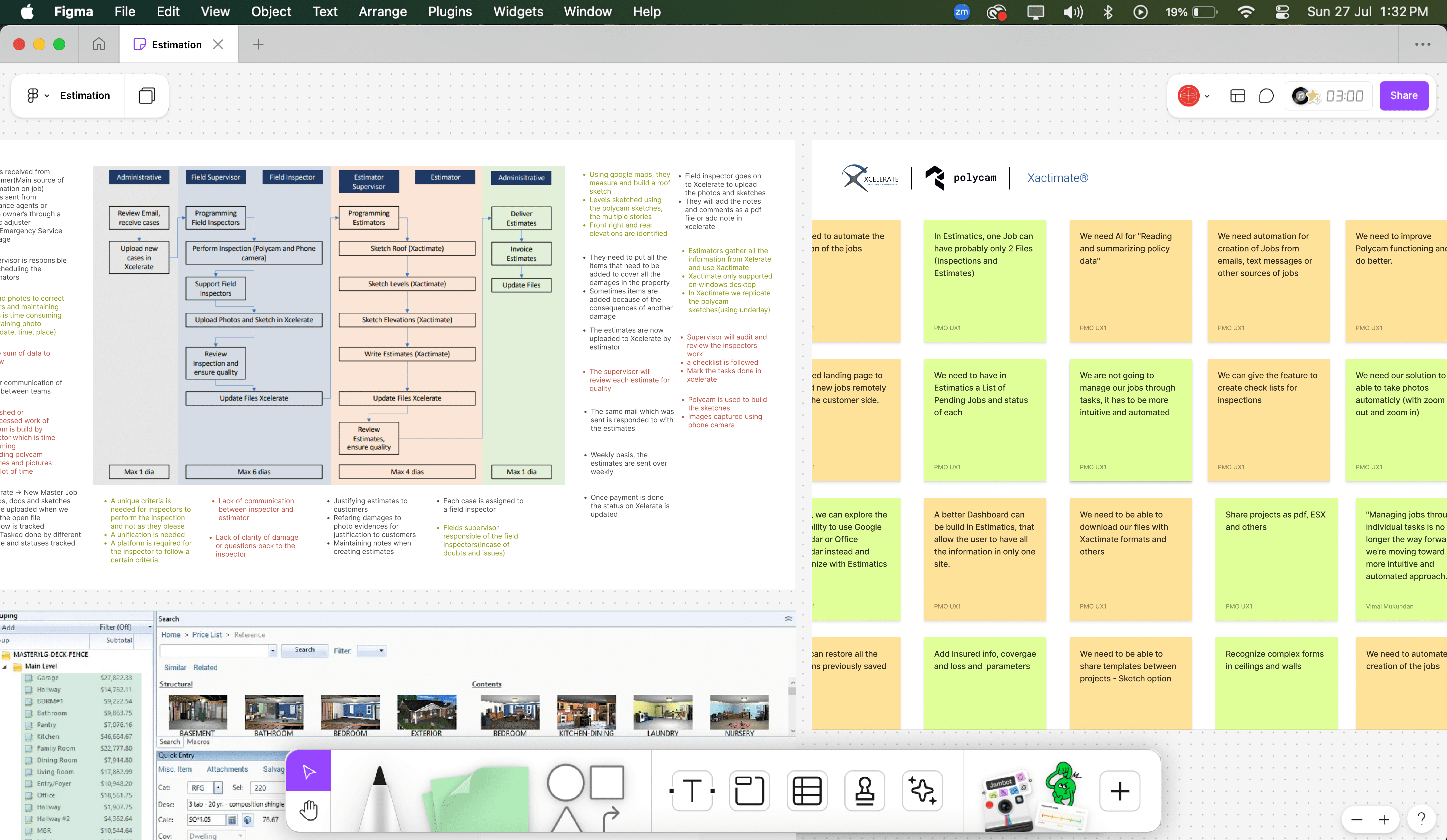
Working Sessions
Through working sessions with the entire team over a span of multiple days, we learnt their existing processes and pain points in detail.
User Interviews
We conducted user interviews to map out the workflow of each user role.
Audit of existing systems
We got access to their existing systems to understand it on a feature level
Solution
Our solution was always focused on a set of high level goals we kept while designing the system.
Goals
Bring harmony in the fragmented workflow.
Create a single eco-system using two main tools -
1) Inspection Tool
2)A web app for damage report generation and project management.
Enable the team to scale up their business using automation
Keep the tools easy to learn and use
The product is a result of close collaboration with our lead engineer to design a technically feasible product
Inspection App
This App is used by inspectors on the field. We kept the design intuitive and productive through micro interactions sprinkled throughout the screens. The home gives the inspector an idea on how their day is looking like.


Job View
It is important that a job view needs to be clean, organised and assistive for decision making. The design takes the user through all the data in a well structured manner
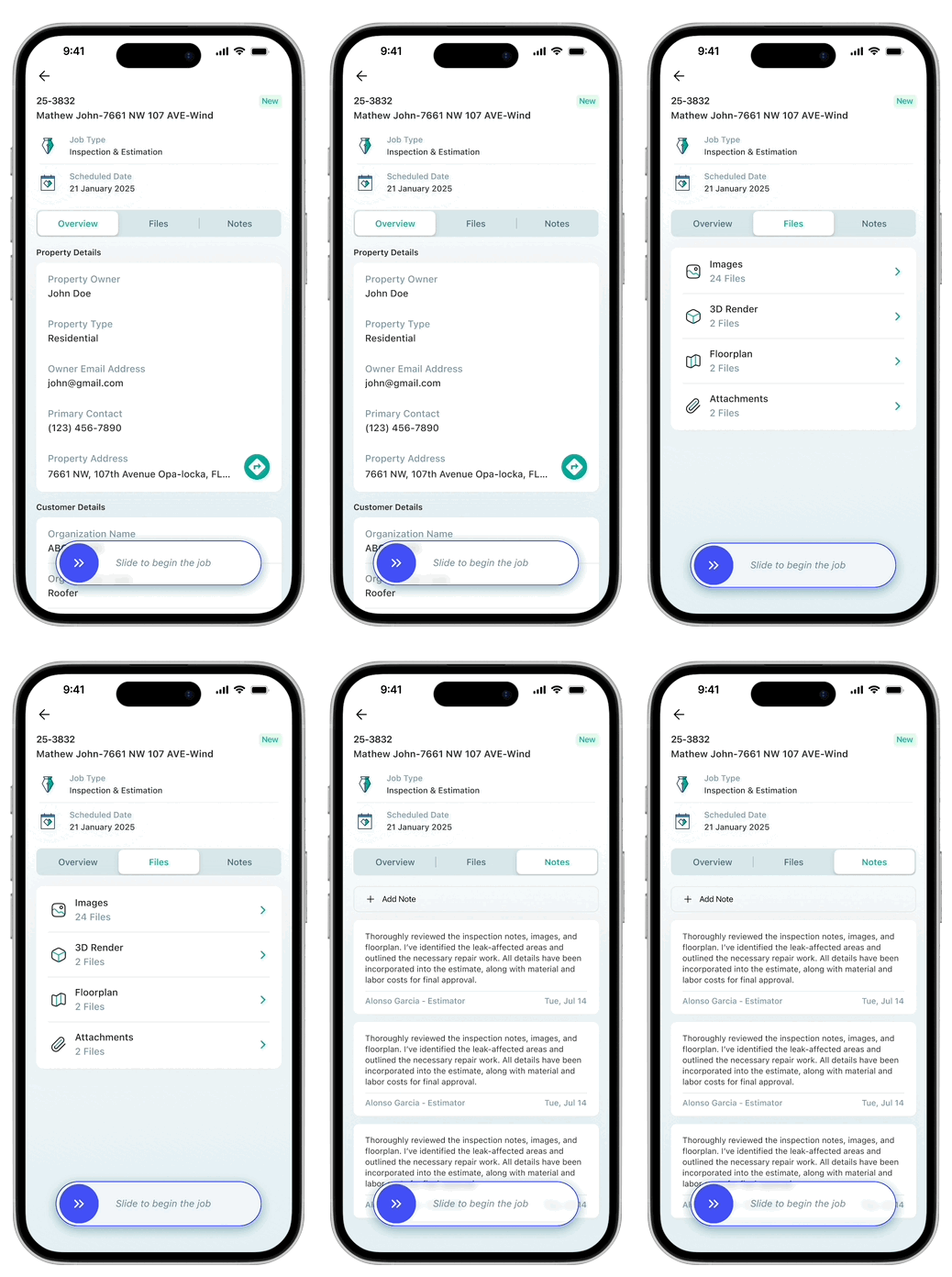
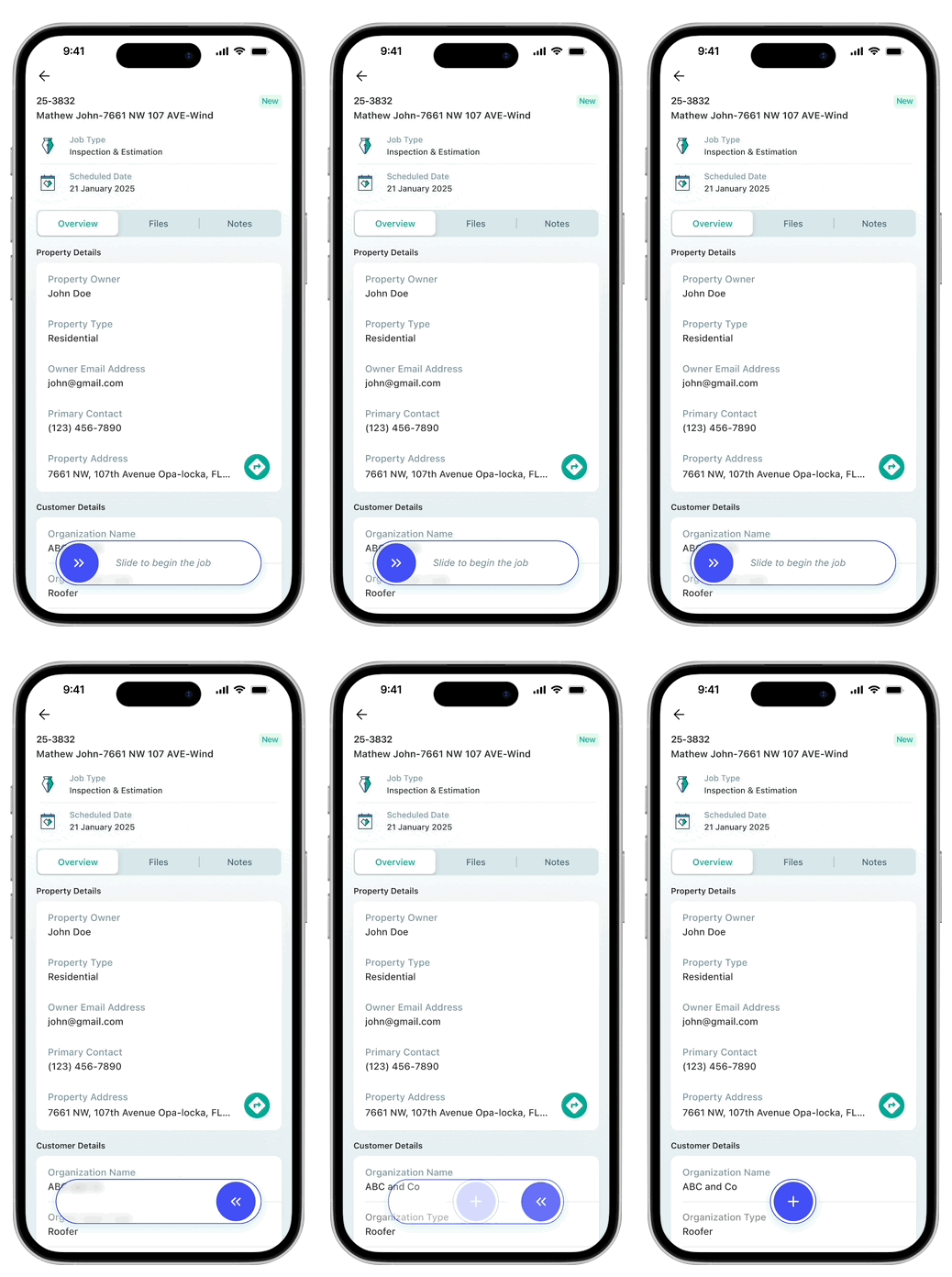
Dynamic slide start button
A meaningful, fun and multi-purpose button interaction to give a delightful start to the projects
During Scan
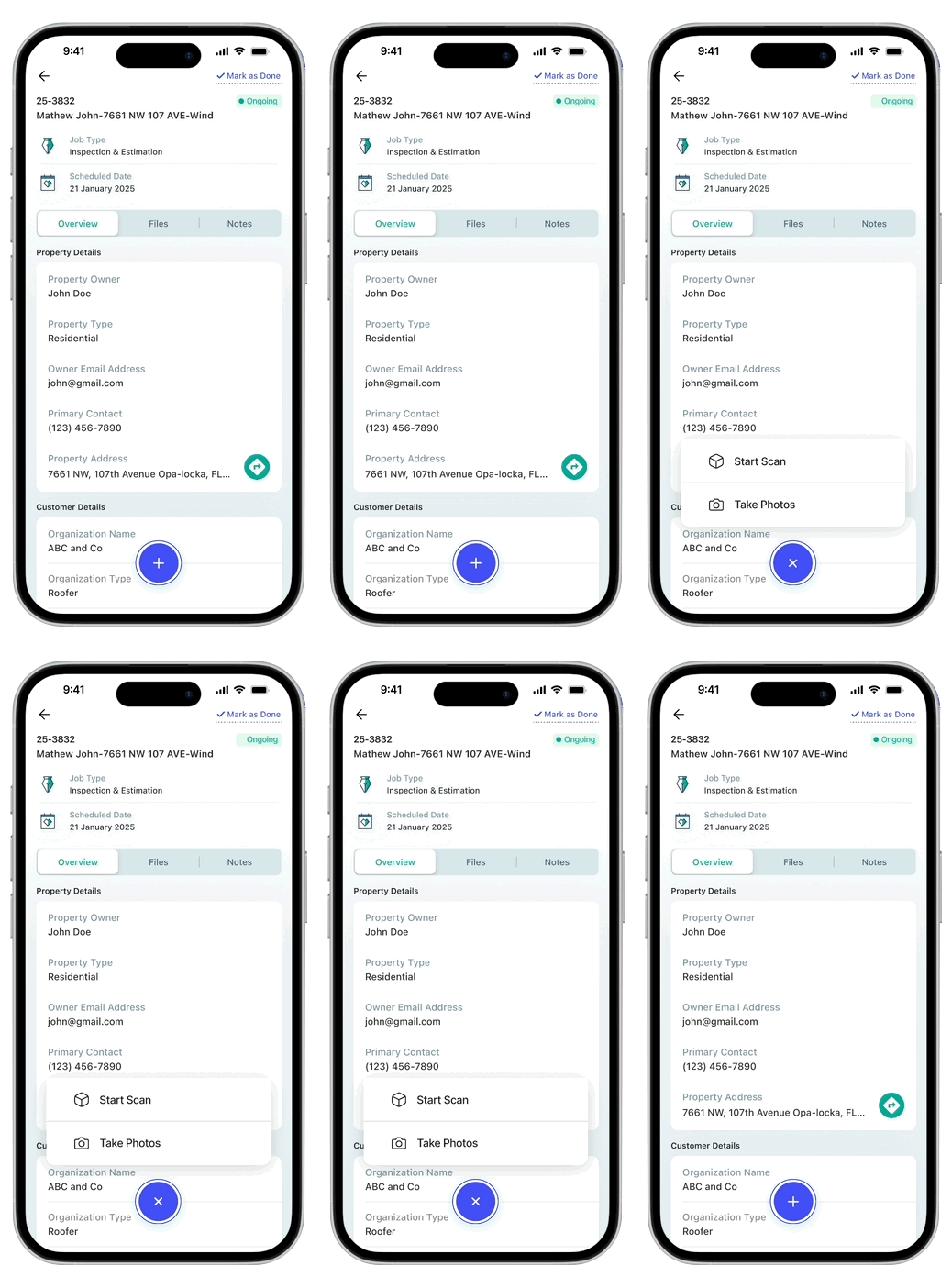
While doing the 3D scan, the app enabled the inspector to take pictures of the damages - and if needed, the inspector can open the picture and add context to the damage using text, voice note or simply by annotation without stopping the 3D scan.
This was a game changing experience for them, since it avoided multiple separate sessions for 3D scan, floor-plan and pictures

Inspection App fun
Once the scan is completed, the app creates a 3D render and Floor plan. Inspector can review these and pictures taken during the scan. The easy switch between the views gives the inspector a better overview.

Web app for Report creation
Job management and Report creation are the focus areas of the web app.
The hierarchy of information architecture is kept consistent across the mobile app and web app

Automated Job Creation
Automated jobs are created as drafts. The coordinator can review these drafts, simultaneously comparing it with the email preview and then approve to mark it as job.

Convenient Scheduler
Once projects are created, the coordinator can check inspectors’ calendars and schedule inspections accordingly.

The little big things
Simplified responsive web app for on-the-go nature of the work. Packed with thoughtful little features that make a big difference, the suite is designed to elevate the experience in a highly useful and productive manner.
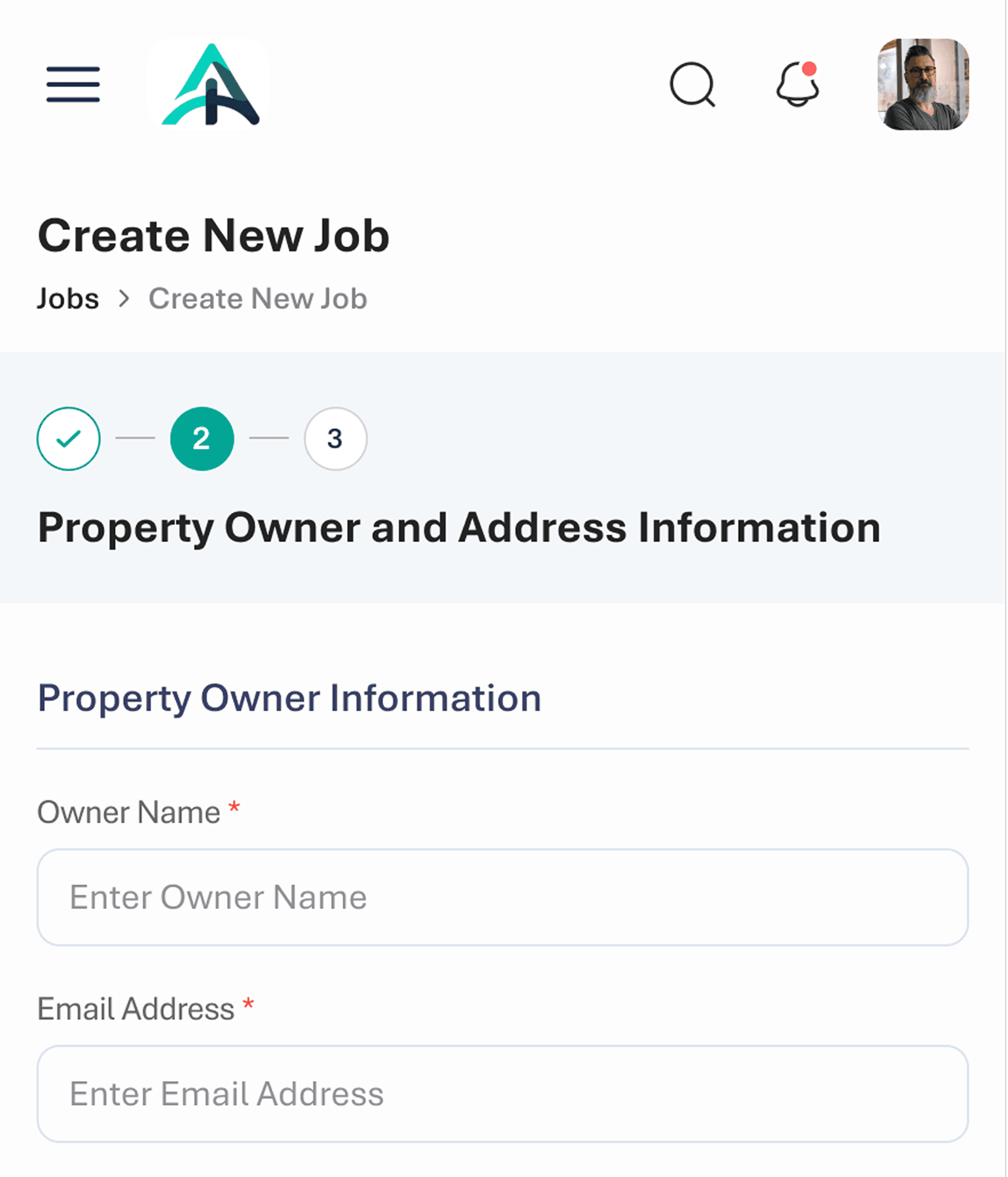
Mobile responsive web app
Icons that assist everywhere
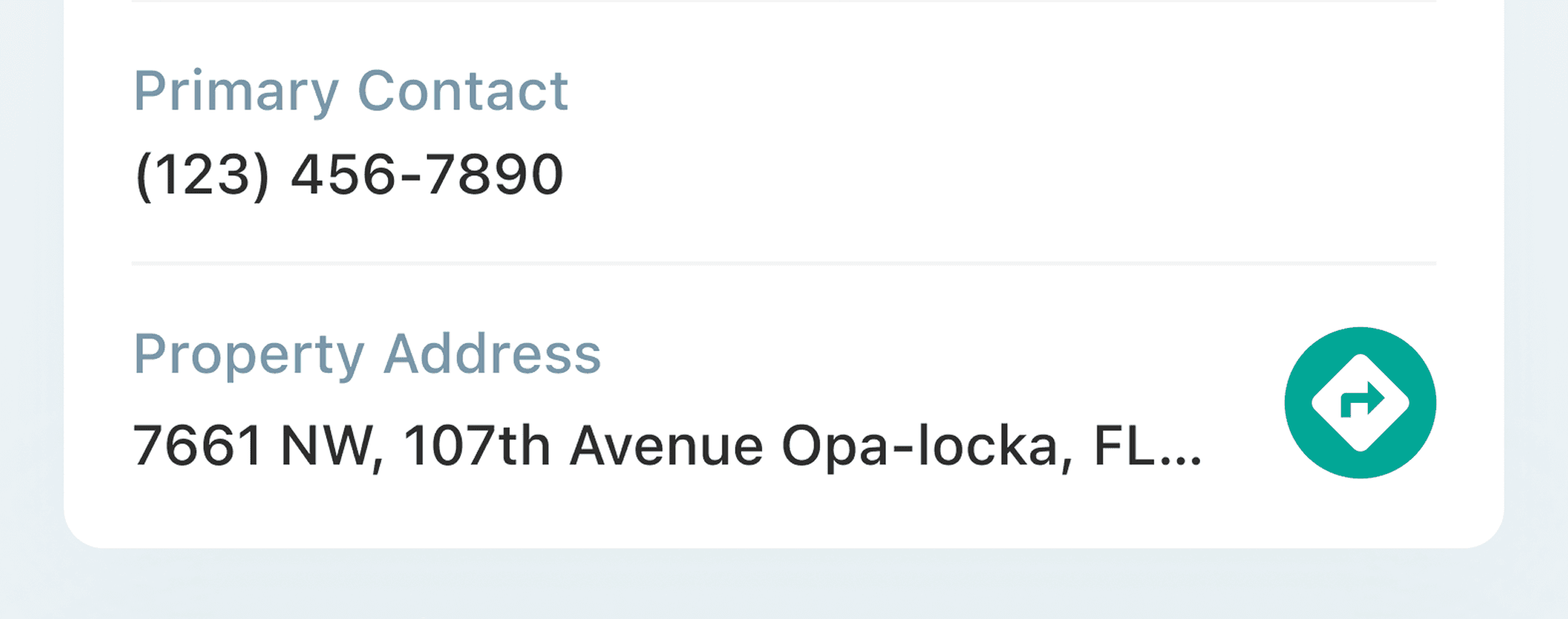
Google Maps integration for directions
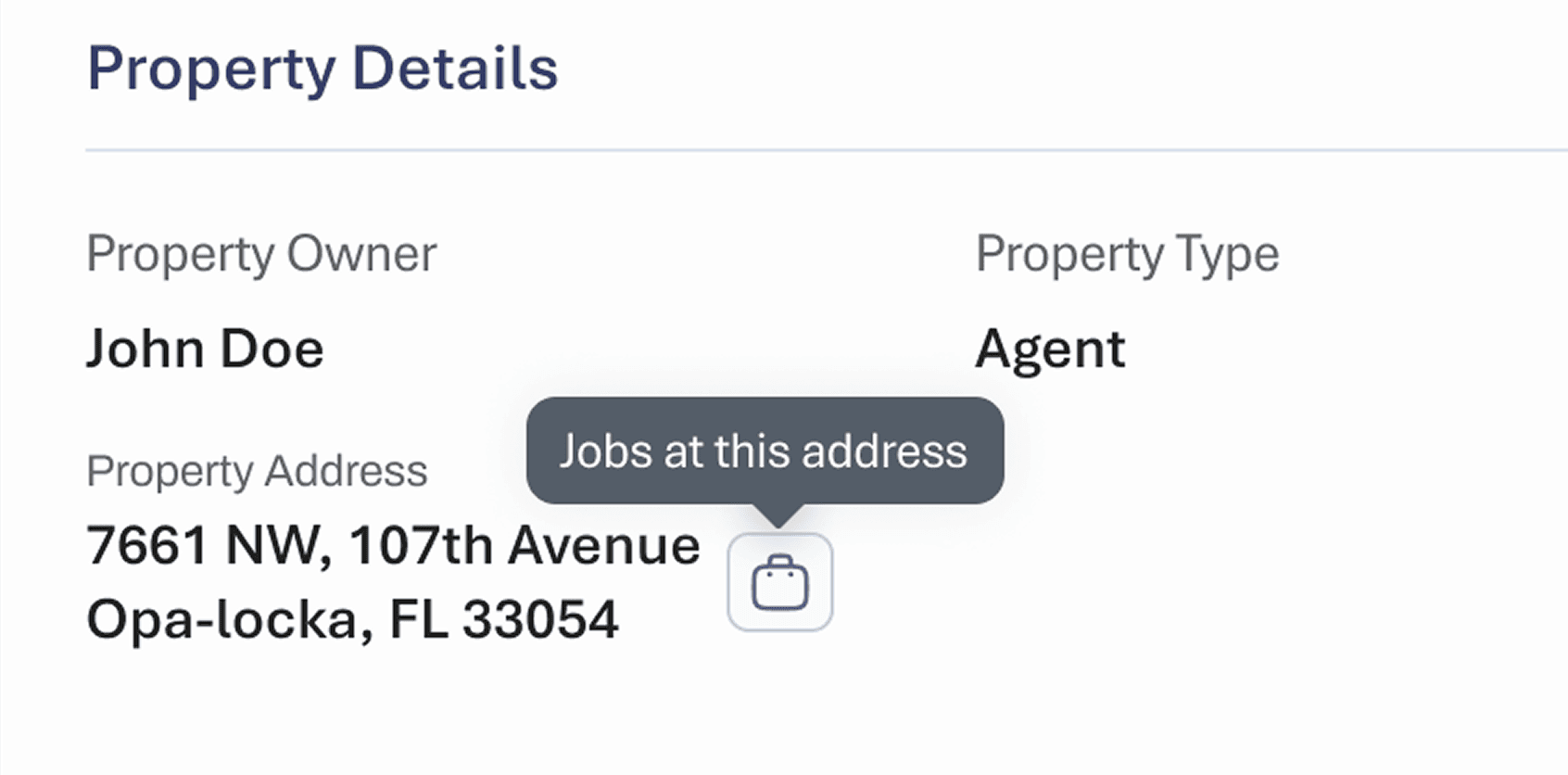
Multiple ways of navigation
Key Takeaways
A close collaboration with tech engineers were crucial in cracking the suite that showed how design can be crucial in enabling the potentials of tech.
Collaboration with engineers
Since the tool involved lot of technical features like 3D Scan, and automated generation of Floorplan, AI enabled
Exposure to a new domain
3D scans of the property is taken using one tool. Communications are over another tool. A different tool for project management. Manual file sharing.
Learn and Repeat
Most of the new jobs are received as email or in excel sheets shared over mail. Co-ordinator has to sit vet through these mails and sheets, and then capture the details and enter it manually in the system to create new jobs